/*
overview style v2.7.3
*/
/* entire article */
#overview-content .ov_h2, .ov_h3, p, ul, ol {padding:0; margin:0;}
#overview-content {font:14px “Segoe UI”, Helvetica, sans-serif; color:#d4d4d4;}
/* for this ITEM */
#overview-content .logovc {max-width:100%; height:50px; margin-left:5%; margin-top:1em; background:url(//images10.newegg.com/BizIntell/item/83/794/83-794-898/lenovo.png) no-repeat;}
#overview-content .section_head {background-color:#17171d; color:white; text-align:center; font-size:1.6em; font-weight:bold; line-height:1.5em; padding:5px;}
#overview-content .divider {border-top:1px solid #d4d4d4;}
/* colors */
#overview-content .bg_black {background-color:black;}
#overview-content .bg_rgb {background-color:rgb(245,245,245);}
#overview-content .a_plus_info .color_w {color:white;}
#overview-content .a_plus_info .color_b {color:black;}
/* titles */
#overview-content .ov_h2, .ov_h3 {padding-top:0.5em; line-height:1.2em;}
#overview-content .ov_h2 {color:rgb(226,35,26); font-size:1.6em; font-weight:normal;}
#overview-content .ov_h3 {color:rgb(226,35,26); font-size:1.1em; }
#overview-content .ov_h3.for_column {text-align:center;}
/* text */
#overview-content .a_plus_info p {display:block; font-size:1.1em; padding:0.5em 0; margin:0; line-height: 1.2em;}
#overview-content .center {text-align:center;}
#overview-content .left {text-align:left;}
#overview-content .a_plus_info .ov_note {color:gray; font-size:0.9em; font-style:italic;}
/* general */
#overview-content .a_plus_module {position: relative; margin: 3em 0; padding: 0; overflow: hidden;}
#overview-content .a_plus_module .a_plus_info {padding: 0 5%;}
#overview-content .ov_banner .a_plus_info {padding:1.5em 5% 2em 5%;}
#overview-content .ov_banner img {width:100%;}
#overview-content .space_0 {margin:0;}
#overview-content img {display: block; margin: 0 auto; max-width: 100%;}
#overview-content img.width_90 {max-width: 90%;}
/* list */
#overview-content ul, ol {margin:0;}
#overview-content ul {list-style-type: disc; padding-left:25px; text-align:left;}
#overview-content li {margin-bottom: 0.5em;}
/* clear */
#overview-content .a_plus_content:before, .a_plus_content:after, .a_plus_module:before, .a_plus_module:after, .a_plus_info:after {content: ”; display: table; clear: both;}
#overview-content .clearvc {width:100%; clear:both; margin:0 auto;}
@media (min-width: 768px) {
/* image float */
#overview-content .content_float {padding:0 5%;}
#overview-content img.img_f_left {float: left; max-width: 40%;}
#overview-content img.img_f_right {float: right; max-width:40%;}
#overview-content .a_plus_info.txt_f_right {float:right; width:58%; padding:1em 0;}
#overview-content .a_plus_info.txt_f_left.s_padding {padding:3em 0;}
#overview-content .a_plus_info.txt_f_left {float:left; width:58%; padding:1em 0;}
/* several columns */
#overview-content .a_plus_column {float:left; padding:2em 0 2em 3%;}
#overview-content .a_plus_column:first-child {padding-left:5%;}
#overview-content .two_columns .a_plus_column {width:43.5%;}
#overview-content .three_columns .a_plus_column {width:28%;}
#overview-content .four_columns .a_plus_column {width:20.25%;}
}
@media (min-width: 768px) and (max-width: 1050px) {
/* make float-text not drop too much */
#overview-content .a_plus_info.txt_f_right,
#overview-content .a_plus_info.txt_f_left {padding:0;}
#overview-content .a_plus_info.txt_f_right .ov_h2,
#overview-content .a_plus_info.txt_f_left .ov_h2 {padding-top:0;}
}
@media (max-width: 767px) {
/* cancel float */
#overview-content .a_plus_column, .txt_f_right, .txt_f_left, .img_f_left, .img_f_right {float:none;}
/* general */
#overview-content .a_plus_module {margin: 3.5em 0;}
#overview-content .a_plus_module img {margin:0 auto; max-width:90%;}
#overview-content .a_plus_module img.banner {max-width:100%;}
#overview-content .a_plus_column {margin:3.5em 0;}
#overview-content .a_plus_column .a_plus_info {padding:0 5%;}
/* text */
#overview-content .ov_h2.center, #overview-content .ov_h3.center, #overview-content p.center {text-align:left;}
#overview-content .a_plus_column p.center {text-align:center;}
}
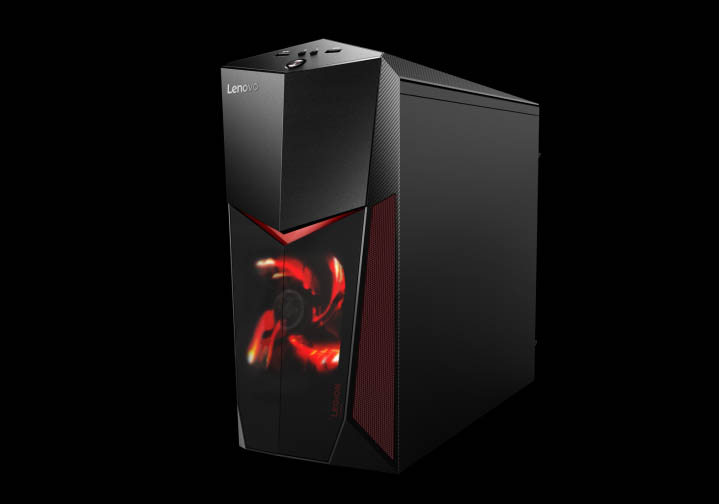
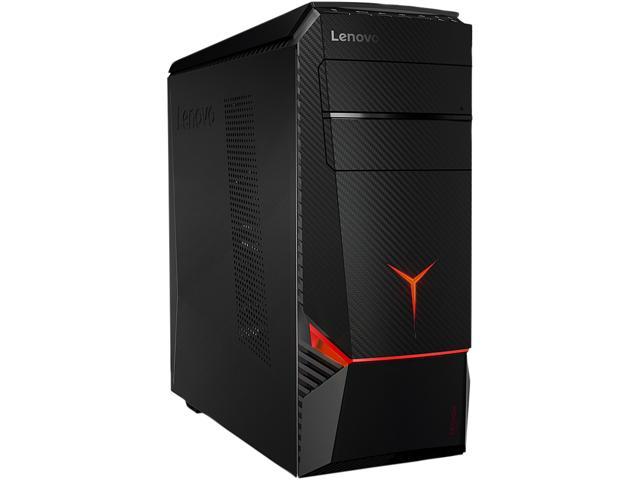
Legion Y520 Tower Gaming Desktop
Every gaming experience will be more intense and real. Legion Y520 Tower offers the best hardware configuration with the Lenovo Nerve Center. The power and speed will always be unveiled your way. VR ready, it lets you even dominate virtual reality landscapes. You can get extra performance by upgrading your hardware – totally tool free.
Maximum power
Play your favorite games at silky-smooth frame rates, with additional processing power for streaming video, audio, and more. It’s easy with the Lenovo Legion Y520 Tower and with up to six-core processing, plus ample cache memory via Intel Turbo Boost Technology 2.0. Squeeze every last frame out of the graphics card, for bottleneck-free gaming.
High frame rates, stunning detail
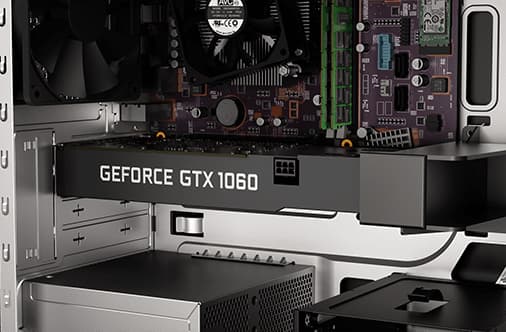
The Lenovo Legion Y520 tops out with NVIDIA GeForce GTX 10-Series graphics, powered by NVIDIA Pascal technology, to deliver up to 3X the performance of previous generations. Ready to take on the most intense gaming situation, the Lenovo Legion Y520 Tower features up to NVIDIA GTX 1060 graphics, so you can crush your favorite titles at up to 60 frames per second. You even have the option to game in VR should your heart desire.
Stop waiting, start playing
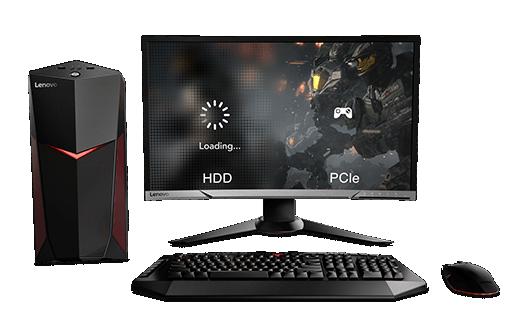
Reduced boot-up times. Faster in-game loading. Accident-proof storage. Oh…and it’s also silent. All of this is part of the Lenovo Legion Y520 Tower’s optional 128GB PCI-Express SSD storage, which delivers ample space, perfect for storing all your favorite games and loading them with lightning-fast speed.
Optimized storage performance
Intel Optane Memory (Select models) combines your storage devices – solid state and hard disk drive alike – into a single volume, delivering a better-performing and snappier computing experience.
Effortless multitasking between games and apps
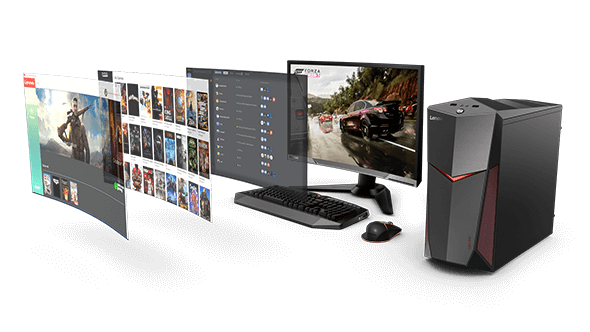
Livestream, record, voice chat, update your gaming library, and play your favorite titles without system lag, all courtesy of up to 16GB of dual-slot DDR4 memory.
Onboard LAN chip sharpens online gameplay
Realtek’s Dragon LAN, designed specifically for online gamers, features smarter automatic priority-setting and hassle-free network prioritization, for the best gaming experience and smooth video-streaming. So continue to dominate the online arena of your favorite game, while simultaneously streaming or calling out flankers on Discord.
Ready for virtual reality
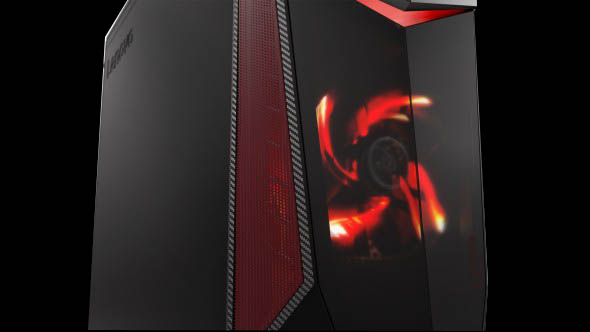
The Lenovo Legion Y520 Tower is ready to take you into a virtual world. Unleash the power of its exceptional graphics and HDMI/USB 3.0 ports, and step into new immersive gaming environments. Simply plug your VR headset (not included) into the Lenovo Legion Y520 Tower via one of the three available USB 3.0 ports and HDMI port. Then connect the motion sensor to any of the remaining two USB 3.0 ports, and you’re ready to play in Virtual Reality.
Custom-tune your rig with Lenovo Upgrade companion guide
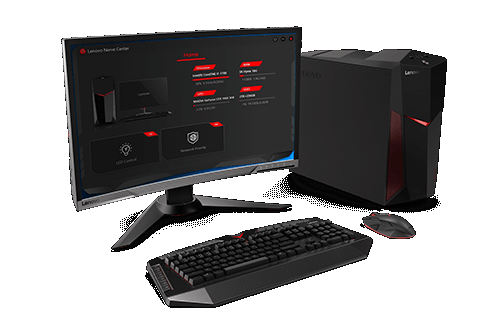
The Lenovo Legion Y520 Tower rocks a tool-less design with an accompanying “How To Upgrade” companion guide, so you can step up your graphics, storage and memory game any time you feel the need. Customize your rig with ease!
Lenovo Nerve Center
Quick and easy access to your system information is at your fingertips via the Lenovo Nerve Center. From network priority setting to lighting controls, the Lenovo Nerve Center lets you dive into the nitty-gritty of your tower, for custom-tuned gaming dominance.
Note:
Specifications may vary by model.