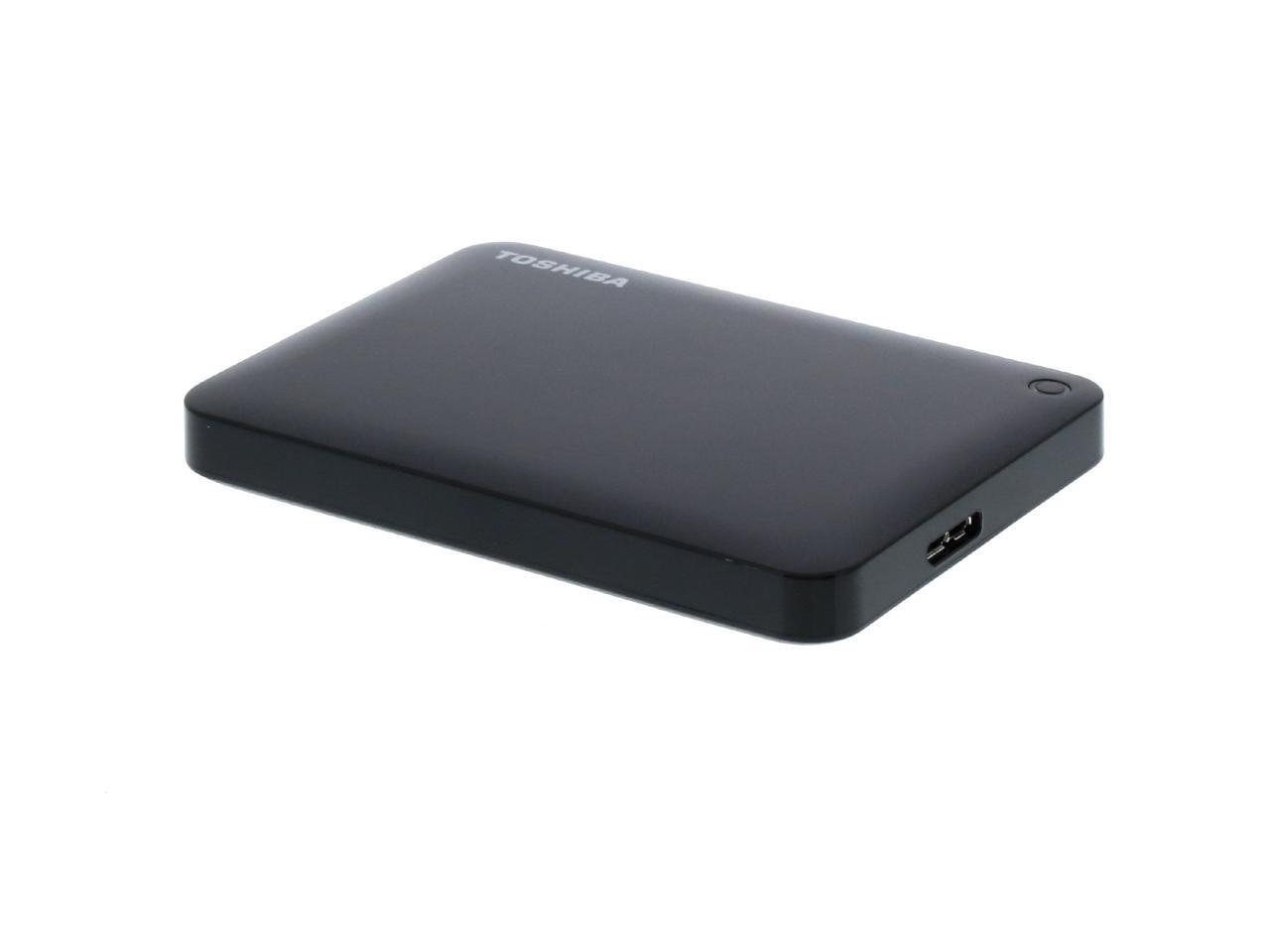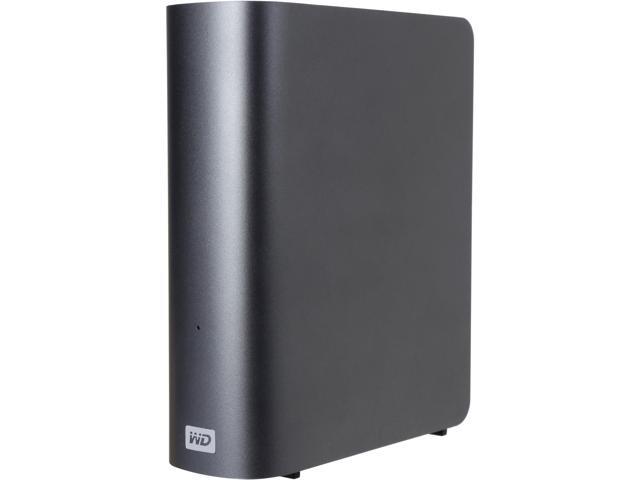

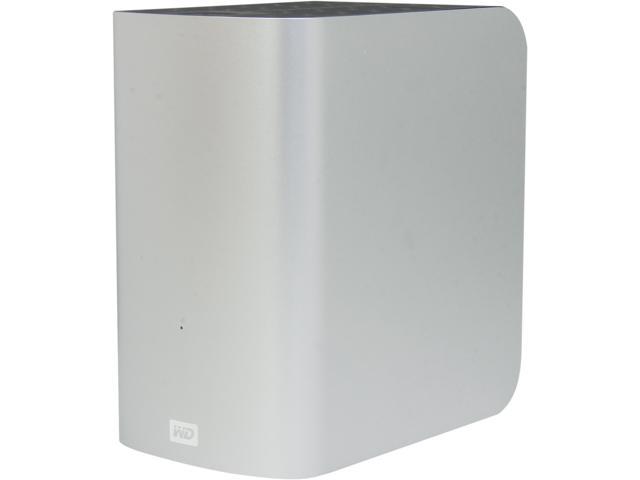
WD 5TB My Passport for Mac Portable External Hard Drive Storage USB-C/USB-A 3.2 – Midnight Blue (WDBA2F0050BBL-WESN)
SKU: N82E16822234395Thương hiệu: KHAC
Liên hệ báo giá
Liên hệ
Vui lòng liên hệ để nhận báo giá chính xác theo cấu hình.
Điện ước tính: 86 kWh/tháng · ~280.800 ₫/thángTính TCO chi tiết
Bảo hành 36 tháng
Chính hãng
Giao sau 10 ngày
Toàn quốc
Hỗ trợ kỹ thuật
24/7 qua hotline
Hoá đơn VAT
Đầy đủ, đúng hạn
Máy lắp vừa linh kiện này
tham khảo theo thông số trên tên hàngMô tả sản phẩm
var ccs_cc_args = ccs_cc_args || []; ccs_cc_args.push([‘mf’,’Western Digital’]); ccs_cc_args.push([‘pn’,’WDBA2F0050BBL-WESN’]); ccs_cc_args.push([‘upcean’, ”]); ccs_cc_args.push([‘lang’, ‘en’]); ccs_cc_args.push([‘market’, ‘US’]); (function () { var o = ccs_cc_args; o.push([‘_SKey’, ‘1b1e8766’]); o.push([‘_ZoneId’, ‘faa3fafd5b’]); var sc = document.createElement(‘script’); sc.type = ‘text/javascript’; sc.async = true; sc.src = (‘https:’ == document.location.protocol ? ‘https://’ : ‘//’) + ‘cdn.cnetcontent.com/jsc/h.js’; var n = document.getElementsByTagName(‘script’)[0]; n.parentNode.insertBefore(sc, n); })();
Learn more about the Western Digital WDBA2F0050BBL-WESN
| Best Seller Ranking | #1 in Mac Hard Drives |
|---|
| Brand | WD |
|---|---|
| Series | My Passport for Mac |
| Model | WDBA2F0050BBL-WESN |
| Type | External |
| Capacity | 5TB |
|---|
| Panel Color | Blue |
|---|
| Interface | USB 3.2 Gen 1 |
|---|
| System Requirements | macOS Mojave, High Sierra, or Sierra May require reformatting for other operating systems Compatibility may vary depending on user’s hardware configuration and operating system |
|---|---|
| Features | Genius Compatible. My Passport for Mac portable storage works straight out of the box with Mac devices which makes it easy to keep you moving on your journey. Simply drag and drop files to and from, or setup a backup routine with Apple’s Time Machine software to help protect the contents of your digital life: photos, videos, music and documents. Plays Nicely. Locked Down. Easy Save. Social Friendly. Ongoing Confidence. |
| Dimensions | 0.75″ x 2.95″ x 4.22″ |
|---|---|
| Weight | 0.46 lb. |
| Package Contents | Portable hard drive USB-C to USB Micro-B cable USB-A to USB Micro-B cable WD Discovery software Quick install guide |
|---|
| Date First Available | September 30, 2019 |
|---|
Anonymous
Ownership: 1 week to 1 month
Verified Owner
Works well9/23/2020 7:31:32 AM
Overall Review: Works well. I formatted it as exfat to switch between windows and mac. I was able to read and write files from either system without any problems. Read/write speeds are fast and comparable on either platform. The two different cable that are included worked with either system. The drive is super quiet.
Ejecting hung up a couple of times. But that seemed more an issue with the OS forcing a bit of patience as it takes longer with this drive. Maybe that has to do with the size.
With the exfat, if anyone is buying for this reason, it seemed easier to copy and read lot of files from the command line. Copy and paste with finder or windows explorer hung up sometimes when generating the file list. But that only happened with thousands of files. I think this an issue with exfat since I read there is no (or maybe limited) indexing available.
Hopefully some of these comments help anyone else thinking of buying this huge drive to store or copy lots of files.
Arrived promptly, and it worked!12/28/2020 11:34:29 AM
Pros: Simple, works right out of the box. I now have a new Time Machine disk for my laptop.
Cons: none, really
Overall Review: Seems good
Anonymous
Ownership: 1 month to 1 year
Verified Owner
EXTREMELY LIGHT EXTERNAL HD10/9/2020 6:04:44 AM
Pros: Light as a feather. Removable connection cable so that it doesn’t get bent/damaged in your bag. Great price.
Overall Review: I bought this for work so that I could easily take data from home to my office or on business trips. It has been kicked around by airline baggage handlers for over six months and is still working perfectly.
worked good for about a year then became corrupted and unusable10/30/2022 12:06:24 AM
Overall Review: good product but doesn’t last
Manufacturer Response:
Hello Michael K.,
We’re sorry to hear about your experience with WD My Passport For Mac Hard Drive and appreciate your time for providing the review.
There can a few causes due to which the drive has stopped working. Such causes include the faulty USB port of the drive or the computer, faulty USB cable of the drive or the drive itself may not be getting enough power to spin up and register on the computer to show up. Unsafe ejection of the drive during any read or write operation can also result in the corruption of the drive’s partition.
Best practice is to run diagnostics with WD Drive Utilities when a drive does not perform as expected or is behaving abnormally. We recommend avoiding USB hubs for external hard drives and therefore connect the drive directly to a USB 3.0 port on the computer. We have placed a few helpful links below providing more information for your convenience.
“Setting up and using WD Security and WD Drive Utilities”:
https://support-en.wd.com/app/answers/detail/a_id/13880
“Windows or macOS Cannot Find My Drive”:
https://support-en.wd.com/app/answers/detail/a_id/12455
If the test is unfortunately inconclusive or failed, you can create an RMA through WD and replace the drive. If, under warranty.
“How to get an RMA to replace a defective product, or obtain a power supply or USB cable for a WD product”:
https://support-en.wd.com/app/answers/detail/a_id/10336
All our products must pass our stringent quality standards before leaving our factory to be free from defects in materials and craftsmanship. We stand behind our products throughout the device’s factory warranty period. We would appreciate the opportunity to assist you further. You can contact us by phone below and provide your details.
Need Help? Please see our “‘Contact Us” page for information.
Great external drive5/23/2022 5:48:55 PM
Pros: 5tb
Great for storing pictures
We use on Mac no problems
Overall Review: Great external drive can use on usb-c or regular
Anonymous
Ownership: 1 month to 1 year
Verified Owner
Dead on arrival10/20/2021 8:24:48 AM
Pros: Attractive color case and nice size for traveling with it
Cons: Apparently poor quality control by manufacturer
Overall Review: I’ve had WD drives quit after a year of use, but this is my first dead out of the box. I returned it for a refund, consolidated my documents so I could do without an additional HD for now, and started looking for an more reliable brand but haven’t yet found one.
Manufacturer Response:
Hello Anonymous,
We’re sorry to hear about your user experience with the WD My Passport For Mac and appreciate your time for providing this review.
We are sorry that you have returned the drive before we had the opportunity to assist you.
All our products must pass our stringent quality standards before leaving our factory to be free from defects in materials and craftsmanship. We stand behind our products throughout the device’s factory warranty period. You can contact us directly via phone to address any questions or concerns to ensure a good overall user experience.
Need Help? Please see our “‘Contact Us” page for information.
Absolute garbage product. Do not buy! Did not work out of the box, tech support after an hour of screwing around could not fix.6/14/2021 12:01:22 PM
Pros: Nothing. Never worked.
Cons: Make something that works or at least has instructions.
Overall Review: Run away! This should be pulled form your product list.
Manufacturer Response:
Hi Roy Steinberg,
We are sorry to hear about your online shopping experience as you have not received the product as expected. We would recommend you to please contact the place of purchase.
We would appreciate the opportunity to gather more information from you to ensure all our customers receive the product they are expecting.
All our products must pass our stringent quality standards before leaving our factory to be free from defects in materials and craftsmanship. We stand behind our products throughout the device’s factory warranty period. You can contact us directly via phone to address any questions or concerns to ensure a good overall user experience.
Need Help? Please see our “‘Contact Us” page for information
Điểm nổi bật
- USB 2.0 compatible