
.jpg)
.jpg)

Dell PowerEdge T630 5U Tower Server – 1 x Intel Xeon E5-2640 v4 Deca-core (10 Core) 2.40 GHz – 16 GB Installed DDR4 SDRAM – 1 TB (1 x 1 TB) Serial ATA/600 HDD – Serial ATA Controller – 2 x 750 W
SKU: HQG-85623Thương hiệu: DELL
Liên hệ báo giá
Liên hệ
Vui lòng liên hệ để nhận báo giá chính xác theo cấu hình.
Điện ước tính: 158 kWh/tháng · ~514.800 ₫/thángTính TCO chi tiết
Bảo hành 36 tháng
Chính hãng
Giao sau 10 ngày
Toàn quốc
Hỗ trợ kỹ thuật
24/7 qua hotline
Hoá đơn VAT
Đầy đủ, đúng hạn
Linh kiện lắp được
tham khảo theo thông số trên tên hàngMô tả sản phẩm

|
Dell PowerEdge T630 Tower Server
Powerful, efficient, versatile.
Drive a wide range of demanding workloads with a flexible server
offering peak 2-socket performance and huge internal storage capacity.
Drive a wide range of demanding workloads with a flexible server
offering peak 2-socket performance and huge internal storage capacity.
.jpg)

Deliver cloud computing, real-time analytics, processing for your mission-critical business, and big data insights. Improve data center efficiency and reliability to handle any workload.
Media

Tailor your tower to your workloads
Accelerate demanding workloads with the powerful and flexible
PowerEdge T630 2-socket tower server.
Versatile and efficient performance: Drive rapid response times with the T630 powerful processor.
Expanded capacity, unprecedented capability: The PowerEdge T630 brings new capabilities to small and
medium businesses and remote offices running mail and messaging, medical imaging, server and desktop virtualization, and budget-conscious graphical rendering. The T630 can store
more mailboxes of larger sizes can dramatically lower your cost per
mailbox. Flexible storage configurations allow you to meet exacting
workload requirements, while ample drive space allows for
cost-effective, in-server expansion.
Expanded capacity, unprecedented capability: The PowerEdge T630 brings new capabilities to small and
medium businesses and remote offices running mail and messaging, medical imaging, server and desktop virtualization, and budget-conscious graphical rendering. The T630 can store
more mailboxes of larger sizes can dramatically lower your cost per
mailbox. Flexible storage configurations allow you to meet exacting
workload requirements, while ample drive space allows for
cost-effective, in-server expansion.
Fast storage, fast insights: The PowerEdge T630 is ideal for a wide range
of IOPs-hungry workloads including database, enterprise resource planning (ERP) and decision support.
of IOPs-hungry workloads including database, enterprise resource planning (ERP) and decision support.
Simplify and automate your IT management tasks
Manage
your servers the way you want: individually, collectively, in-person,
remotely or with your smartphone — it’s your choice.
 Simplify administration of PowerEdge servers with
the embedded intelligence of the integrated Dell Remote Access
Controller (iDRAC) with Lifecycle Controller and with the robust,
timesaving management features of the entire Dell OpenManage portfolio.
 Lifecycle Controller provides deployment, update
and support automation on demand to maximize data center efficiency and
can automatically inventory, monitor and update any new Dell PowerEdge
system added to the data center. It includes managed and persistent
onboard storage that, when combined with its systems management
capabilities, eliminates the need for traditional media-based system
management tools and utilities.
 Zero-touch automated deployment discovers and
auto-configures Dell servers by using configuration files stored in
designated locations on an internal network, which can reduce setup time
and manual entry errors.
 Automated server updates synchronize servers to firmware baselines stored at designated locations on an internal network to simplify firmware updates.
 The Tech Support Report, automatically maintained
by iDRAC, is a continuously updated health and status report that
monitors over 5,000 key system parameters and can help cut time needed
to identify and resolve server issues.
Monitor and manage from anywhere
Administer systems from your smartphone, laptop or at the system with both local and remote management options.
- Use your smartphone with the OpenManage Mobile app to securely monitor remote systems.
- Use a USB memory stick
to upload configurations files. - Connect a laptop via USB.
Designed for the future-ready workplace
The PowerEdge
T630 is ready to drive your demanding workloads today and into the
future. With its powerful and scalable performance, it has the versatility to
accelerate a wide range of demanding workloads.
var ccs_cc_args = ccs_cc_args || []; ccs_cc_args.push([‘mf’,’Dell’]); ccs_cc_args.push([‘pn’,’V0X37′]); ccs_cc_args.push([‘upcean’, ”]); ccs_cc_args.push([‘lang’, ‘en’]); ccs_cc_args.push([‘market’, ‘US’]); (function () { var o = ccs_cc_args; o.push([‘_SKey’, ‘1b1e8766’]); o.push([‘_ZoneId’, ‘faa3fafd5b’]); var sc = document.createElement(‘script’); sc.type = ‘text/javascript’; sc.async = true; sc.src = (‘https:’ == document.location.protocol ? ‘https://’ : ‘//’) + ‘cdn.cnetcontent.com/jsc/h.js’; var n = document.getElementsByTagName(‘script’)[0]; n.parentNode.insertBefore(sc, n); })();
Learn more about the Detailed Specifications
| Date First Available | August 09, 2018 |
|---|
There are no reviews yet.
Do you own this product?
Điểm nổi bật
- Nền tảng Xeon E5 · 1 socket
- Bộ nhớ DDR4
Sản phẩm tương tự


Khách hàng cũng xem
Sẵn hàngBH 36 tháng
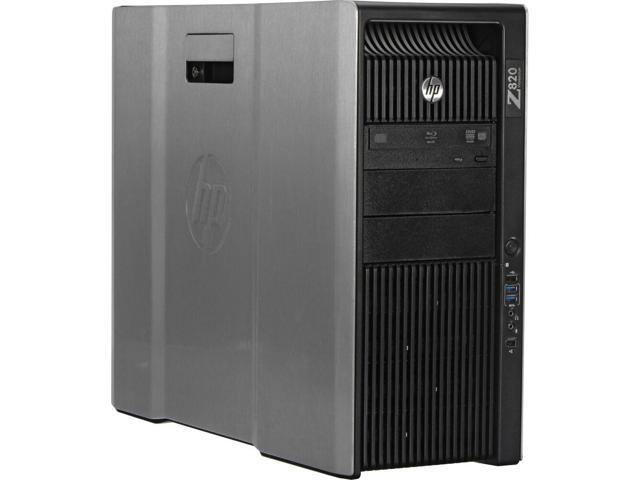
HP Z820 Workstation E5-2643 Quad Core 3.3Ghz 32GB 256GB SSD K2000
Sẵn hàngBH 36 tháng
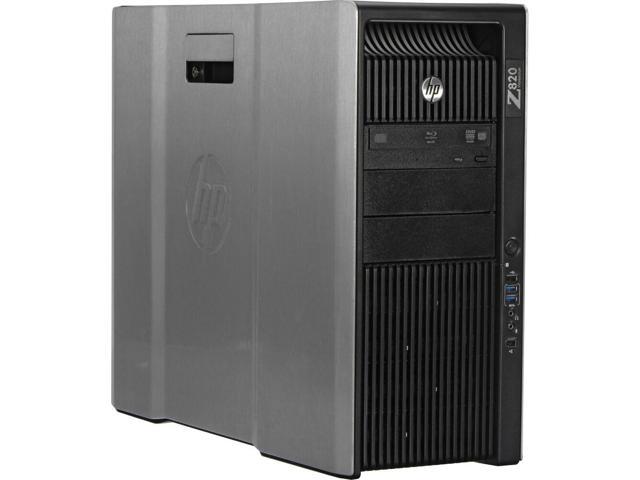
HP Z820 Workstation E5-2643 Quad Core 3.3Ghz 32GB 256GB SSD K4000
Sẵn hàngBH 36 tháng
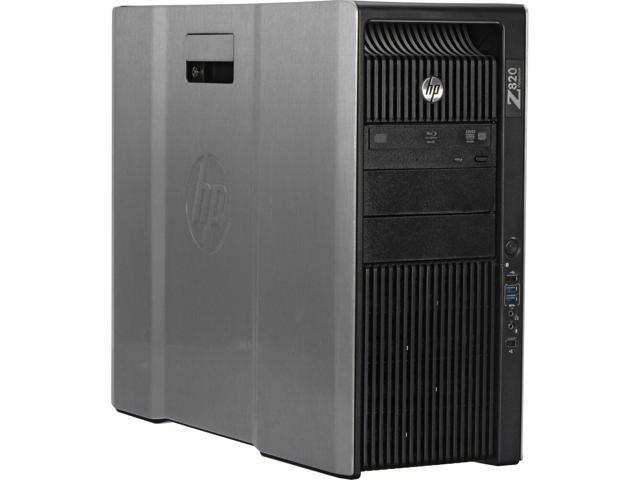
HP Z820 Workstation E5-2660 Eight Core 2.2Ghz 32GB 256GB SSD K2000